 Gondley Consulting
Front-desk automation: what to automate first in a small practice

Ayush Gondley · 25 September 2026 · 4 min read
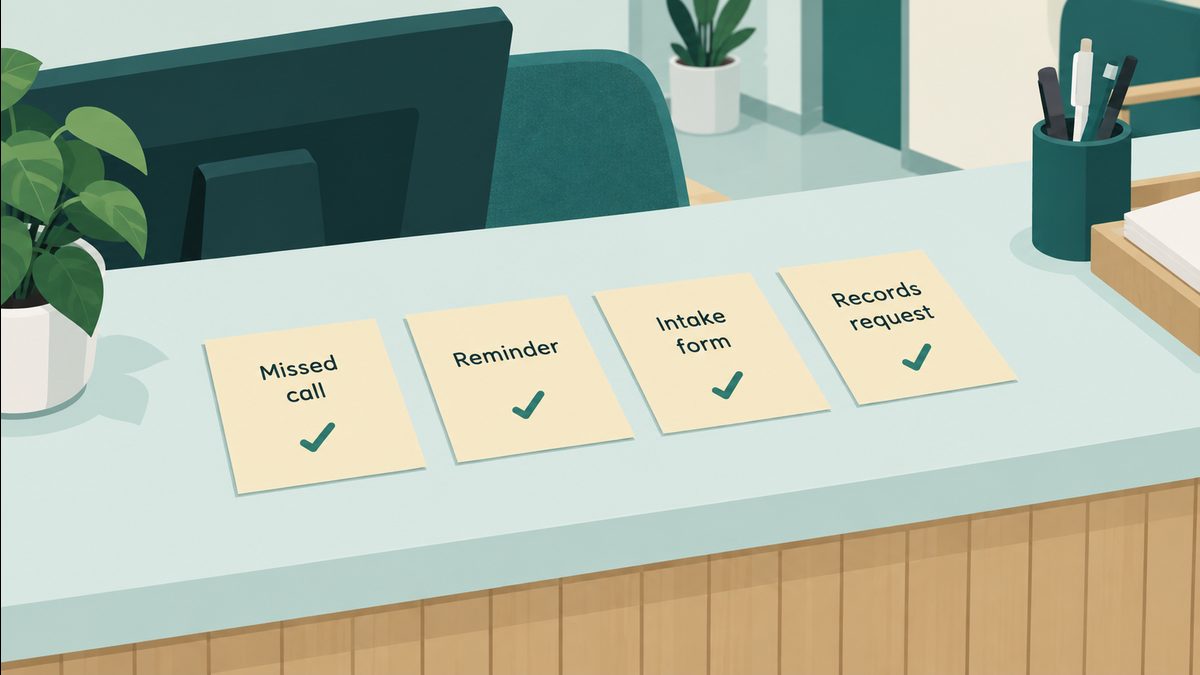
The four jobs that usually pass the test: callbacks, reminders and rebooking, intake, and records requests.
Key takeaways
- Automate first what happens every day, follows the same steps, needs no judgment call, and costs you when it slips.
- In most small practices that means four jobs: missed-call callbacks, reminders and rebooking, intake forms, and records and referral requests.
- Find yours with a five-day tally at the front desk. The tallest column is where to start.
In a practice with one or two people at the front desk, the question is not whether to automate. It is what to automate first, so the time you win back is real and nothing important gets worse.
Front-desk automation means letting software handle the repeatable parts of front-desk work, such as reminders, callbacks, forms and records requests, so your staff step in only when a person is really needed.
Practice leaders already know where it hurts. When MGMA asked 236 of them in December 2025 what they most wanted to fix in 2026, the top answers were no-shows (27%), online scheduling (24%) and phone access (22%).1 Every one of those lands on the front desk.
A simple test for what to automate first
Good first candidates pass all four of these:
- It happens every day. A job that comes up twice a month is not worth building for yet.
- It follows the same steps each time. If you could write the steps on an index card, a system can follow them.
- Nobody has to make a judgment call. Anything that needs a clinician's or a manager's decision stays with a person.
- A slip costs you something. A lost patient, an empty slot, a bill that goes unpaid.
The four jobs that usually pass
1. Callbacks and after-hours enquiries
New patients call when they have a moment, which is often when nobody can pick up. By the time someone listens to the voicemail, they may have booked somewhere else. A short text sent automatically to a missed caller, with a link to book or to fill in the new-patient form, keeps them from going cold.
2. Reminders, and rebooking the ones who miss
Most practices already send reminders, and reminders alone are not the whole answer. In an MGMA poll in August 2026, 32% of medical groups said their no-shows had gone up this year, and the groups that got worse described the same tactics as everyone else: text and phone reminders, automated messages and confirmation calls.2
The step that is usually missing is what happens next. When a patient cancels or does not show, the automation offers them the next open slot straight away, and offers the freed slot to someone waiting.
3. Intake forms that arrive complete
A form that comes back without the insurance card, or with the wrong date of birth, costs a phone call and often a delayed visit. A form that cannot be sent until the required parts are filled in, and whose answers go straight into your system instead of being typed in again, removes both jobs.
4. Records and referral requests
Patients need their records moved all the time. In the US, people search Google for "medical records request" between 1,000 and 10,000 times a month, and the same is true of "medical records release form".3 Each of those requests becomes a small tracking job for someone: log it, send it, chase the other office, confirm it arrived. The chasing is the part to automate. A request that has not come back in two days gets followed up by itself, and you only hear about the ones that are really stuck.
What to leave alone for now
- Anything that needs judgment. Triage, who gets squeezed in, whether a late cancellation pays a fee: keep a person on those.
- Anything that means switching systems. The first automations should run inside the scheduler, forms and messaging you already pay for. Changing your practice software is a much bigger project, and it is rarely the first step.
- Anything that moves patient information somewhere new. Keep it inside the systems you already use for it.
How to find yours this week
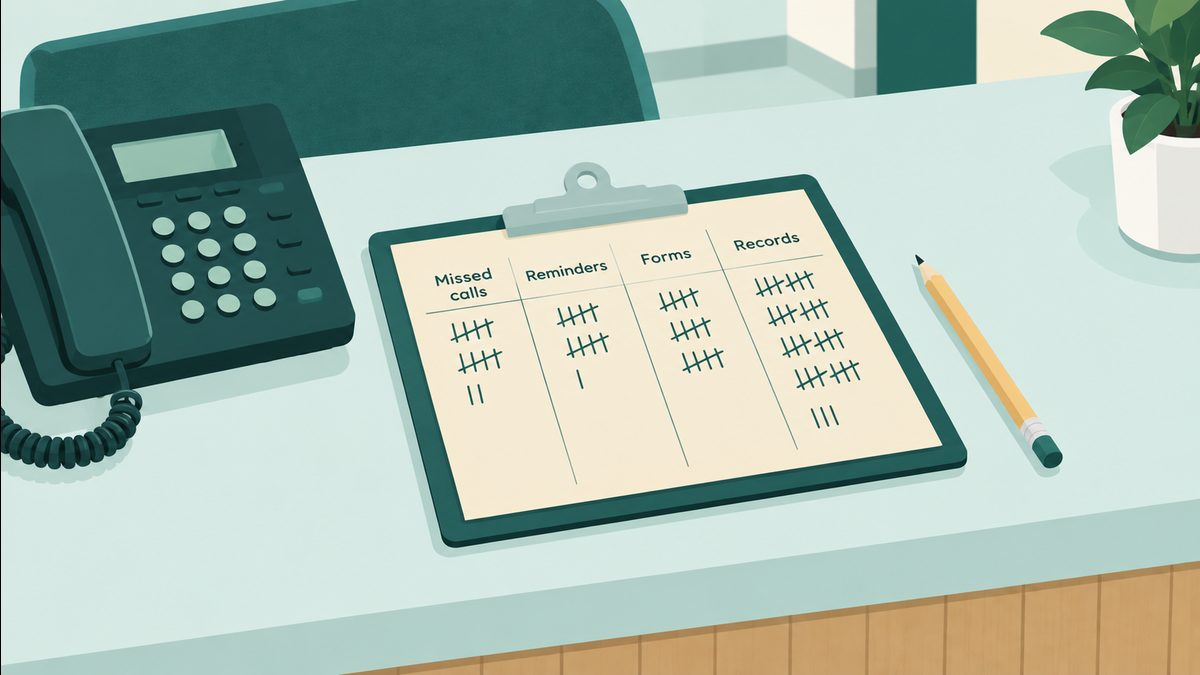
For five working days, put a sheet of paper next to the front-desk phone with four columns: missed calls, reminders and no-shows, forms, records and referrals. Every time one of those interrupts someone, add a tick. Print our one-page tally sheet (PDF) if you would rather not draw one.
On Friday, the tallest column is where to start. It is also a far better answer than a guess when anyone asks where the day goes.
To put a number on it, multiply the ticks by the minutes each one takes. As an example: if records requests came up 15 times in the week and each took about 12 minutes to log, send and chase, that is 3 hours of the front desk's week, every week. Those are the hours an automation gives back.
Questions practices ask
What is front-desk automation?
Letting software handle the repeatable parts of front-desk work, such as appointment reminders, missed-call callbacks, intake forms and records requests, so staff only step in when a person is needed. In a small practice it usually runs inside the scheduler and messaging tools the practice already has.
What should a small medical practice automate first?
The job that happens every day, follows the same steps each time, needs no judgment call, and costs you when it slips. In most small practices that is missed-call callbacks, reminders and rebooking, intake forms, or records requests. A five-day tally shows which one is yours.
Do we need new software to automate the front desk?
Usually not. The first automations can run inside the scheduler, forms and patient messaging a practice already pays for. Switching practice software is a bigger project and rarely the first step.
Do reminders alone fix no-shows?
Not on their own. In MGMA's August 2026 poll, the practices whose no-shows went up were already sending reminders. What usually helps is the step after: offering the next open slot to anyone who cancels or misses, and filling the freed slot from a waiting list.
Sources
- MGMA Stat poll, 9 December 2025 (236 practice leaders): Patient access priorities for 2026.
- MGMA Stat poll, 11 August 2026 (190 responses): About 1 in 3 medical groups see higher no-shows in 2026.
- Google Ads Keyword Planner, United States, September 2025 to August 2026. Google gives these as ranges, not exact counts.
About the author
Ayush Gondley founded Gondley Consulting, which automates front-desk work for small US medical, therapy and veterinary practices. Before that he was a marine engineer at Maersk, keeping complex systems running at sea. Gondley Consulting on LinkedIn