Gondley Consulting
In short
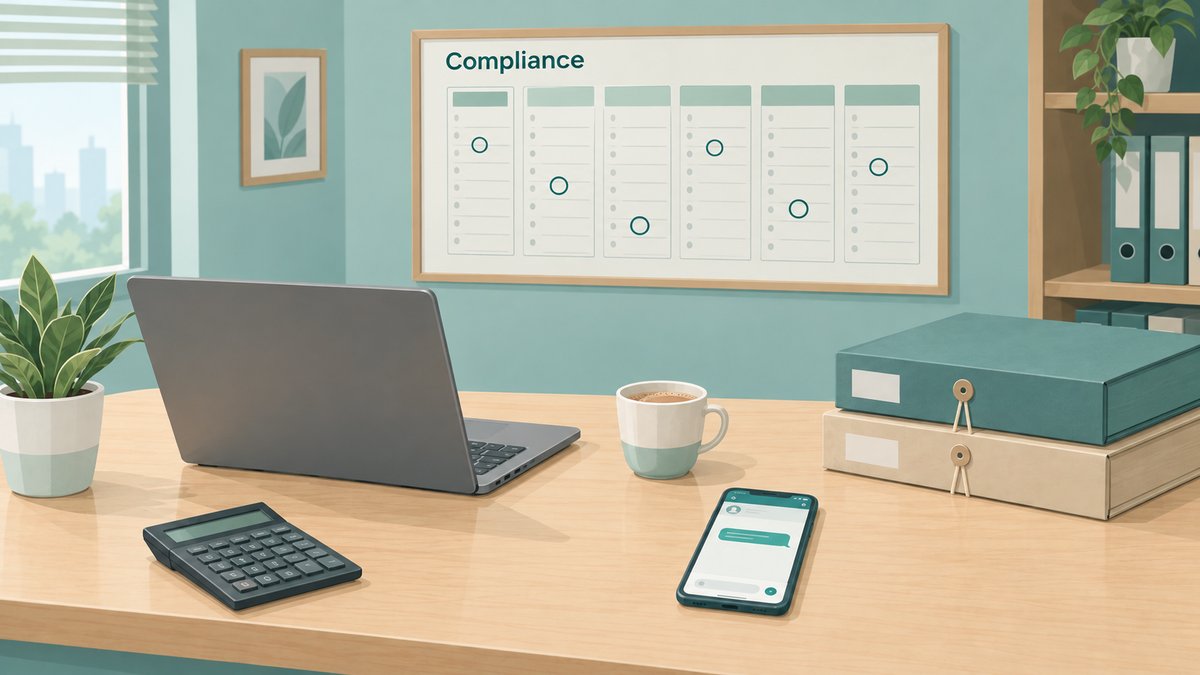
- Each client gets a calendar built from what they file: GST monthly or quarterly, TDS, advance tax, audit, company or LLP.
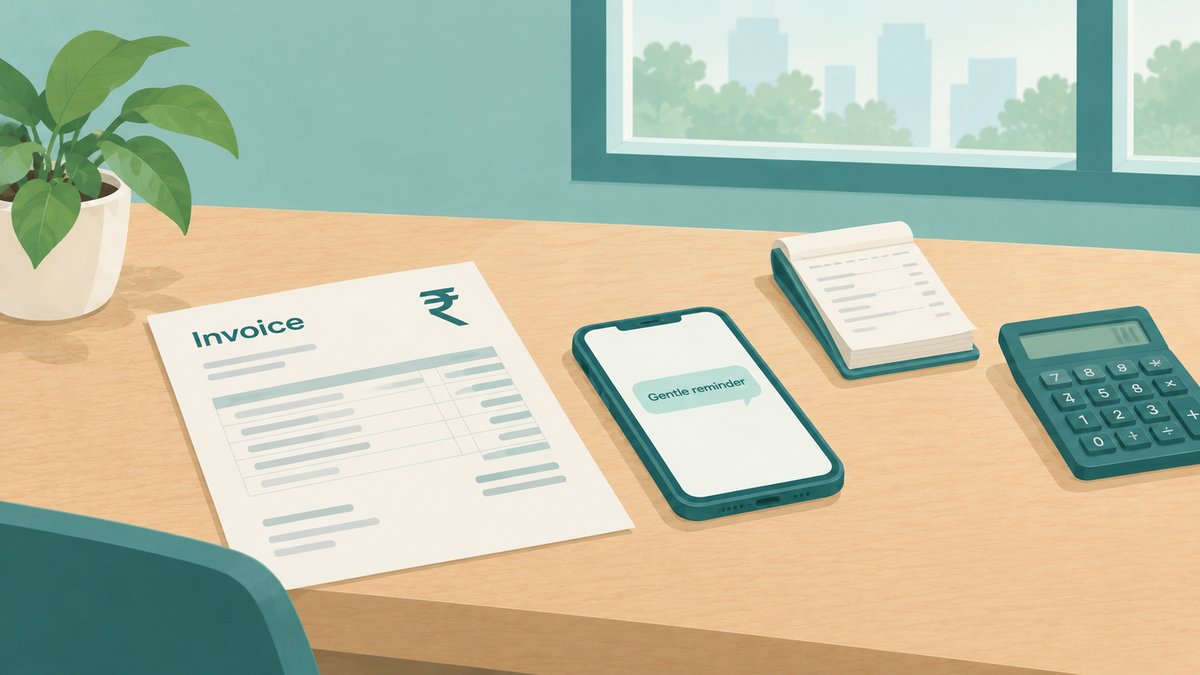
- Requests go out before your own cut-off, follow-ups go only to clients with something pending, and they stop when the documents arrive.
- Your staff get their own list: the filings due this week, and which of their clients are not ready.
- On WhatsApp, a reminder your office starts must be a template approved by Meta and is charged per message; replies within 24 hours of a client's message are free.
The due dates are known months ahead. What takes the time is reminding every client before each one, following up with the ones who have not sent anything, and not bothering the ones who have. That is what a reminder calendar does by itself.
An example month without it
The dates live in a spreadsheet one person keeps. Before each date, someone types the same message to forty clients, then calls the ones who do not reply. Clients who sent everything last week get the reminder too, and some reply to say so. When a date is extended, the spreadsheet is updated, but the message already sent had the old date.
That is an example, to show the kind of work involved.
What it costs
- Late fees. A TDS statement delivered late costs ₹200 for every day it is late, under section 427 of the Income-tax Act, 2025, up to the amount of tax deductible.1
- Dates that move. This year CBDT Circular No. 07/2026 moved the return for audit cases for AY 2026-27 to 21 November 2026, and the tax audit report to 21 October 2026.2 Every reminder after an extension has to carry the new date.
- Your team's time and your clients' patience. The same message typed again and again, and reminders sent to clients who have already done their part.
What we set up
- Your client list, with what each client files. One row per client: GST monthly or quarterly, TDS, advance tax, audit or not, company or LLP, and the staff member responsible.
- A calendar for each client, built from that list. The due dates come from the official calendars, as set out in our compliance calendar, and each date gets your own cut-off for the client's documents before it.
- The request before your cut-off, with that client's own list of documents, in English or Hindi. Our GST reminder templates are a starting point.
- Follow-ups only to clients with something pending. They name only what is still missing, and they stop the moment the documents arrive, because they read the same list the documents are ticked off on. Document processing explains that list.
- Reminders for your staff. Each person gets the filings due this week for their clients, and which of those clients are not ready.
- One change when a date moves. When an extension is notified, your team changes the date once, and every reminder after it follows.
- The filed confirmation, with the acknowledgement and the next date for that client, so each message sets up the next one.
On WhatsApp
- A broadcast is the same message for everyone. On the WhatsApp Business app, a broadcast list reaches only clients who have saved your number.3 Reminders that differ for each client and stop by themselves need WhatsApp's official Business Platform, connected to your client list.
- Permission comes first. WhatsApp's Business Messaging Policy allows a business to message people only if they have given it their number and agreed to receive its messages, and it must respect a request to stop.4 Our recommendation: ask for that agreement at onboarding, for example in the engagement letter.
- What Meta charges. On the Business Platform, a message your office starts must be a template approved by Meta, and Meta charges for each template message delivered. Replies within 24 hours of a client's last message are free, and so are utility templates delivered in that window.5 The charges are paid to Meta from your own account.
- Email works the same way for clients who prefer it.
What runs by itself
- The calendar for each client, from what they file.
- The request before each cut-off, with that client's own list.
- Follow-ups that go only to clients with something pending, and stop once everything is in.
- Your staff's weekly list of filings due and clients not ready.
- The filed confirmation, with the acknowledgement and the next date.
What stays with your team
- The work itself. The returns, the computations and the audit.
- Checking each extension when it is notified, and changing the date once.
- Clients who are always late. Deciding what to do, and having that conversation.
What you need to start
Your client list, with what each client files and who handles them. The cut-off you want before each kind of filing. A WhatsApp number on the Business Platform, in your own Meta account, which we set up with you, or email if you prefer to start there. We tell you exactly what we would build, and what it costs, before any work starts.
Count it first
For one GST cycle, count how many reminder messages and calls your team sends, and how many clients send documents after your cut-off. That shows how much time the chasing takes, and gives you a number to compare once the reminders run by themselves. Fee follow-up works the same way, as in our fee reminder templates.
Questions CAs ask
Does WhatsApp charge for these reminders?
On the WhatsApp Business Platform, a reminder your office starts is a template message, and Meta charges for each one delivered. Replies within 24 hours of a client's last message are free. The charges are paid to Meta from your own account, at the rates on Meta's pricing page.
Can we keep our current WhatsApp number?
A number used in the WhatsApp Business app can be moved to the Business Platform. Meta also has a way for a number to stay on the app while it is connected, offered through its partners. Which fits your office is something we check on the first call.
What happens when a due date is extended?
Your team changes the date once in the calendar, and every reminder after it uses the new date.
Do clients who have sent everything still get reminders?
No. Follow-ups go only to clients with something still pending, and they stop once that client's list is complete.
Sources
- Income-tax Act, 2025, section 427, Fee for default in furnishing statements.
- Central Board of Direct Taxes, Circular No. 07/2026 (PDF), 28 September 2026.
- WhatsApp Help Center: How to use broadcast lists on the WhatsApp Business app.
- WhatsApp Business Messaging Policy, last updated 23 September 2026: business.whatsapp.com/policy.
- Meta for Developers, Pricing on the WhatsApp Business Platform.
- Goods and Services Tax Network, GST portal, "Upcoming Due Dates" (monthly and quarterly), checked 7 October 2026: gst.gov.in.

About the author
Ayush Gondley founded Gondley Consulting, which builds automation for CA practices in India: client documents before deadlines, compliance calendars, fee reminders and onboarding. Before that he was a marine engineer at Maersk, keeping complex systems running at sea. He is based in Indore. Gondley Consulting on LinkedIn